

01
186 WORDS
Prepare
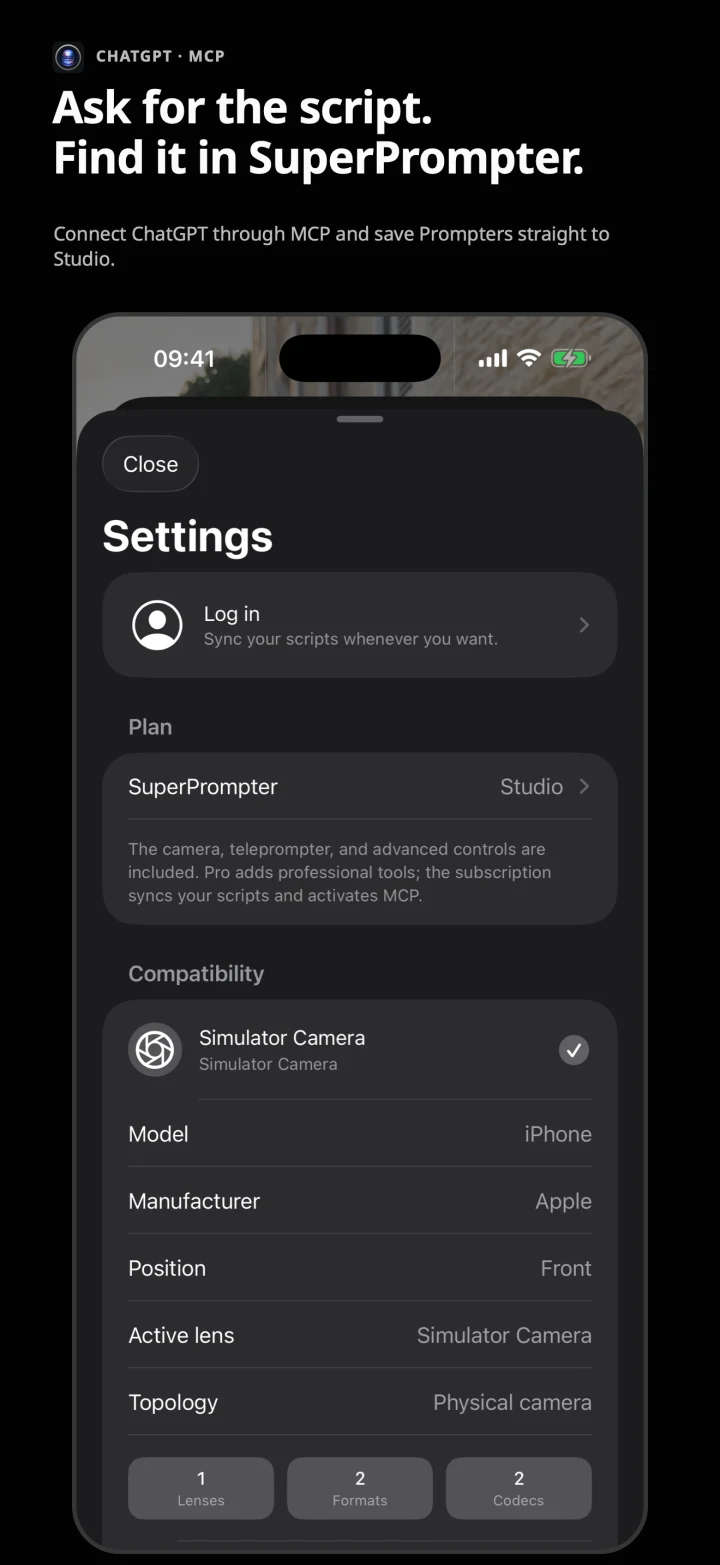
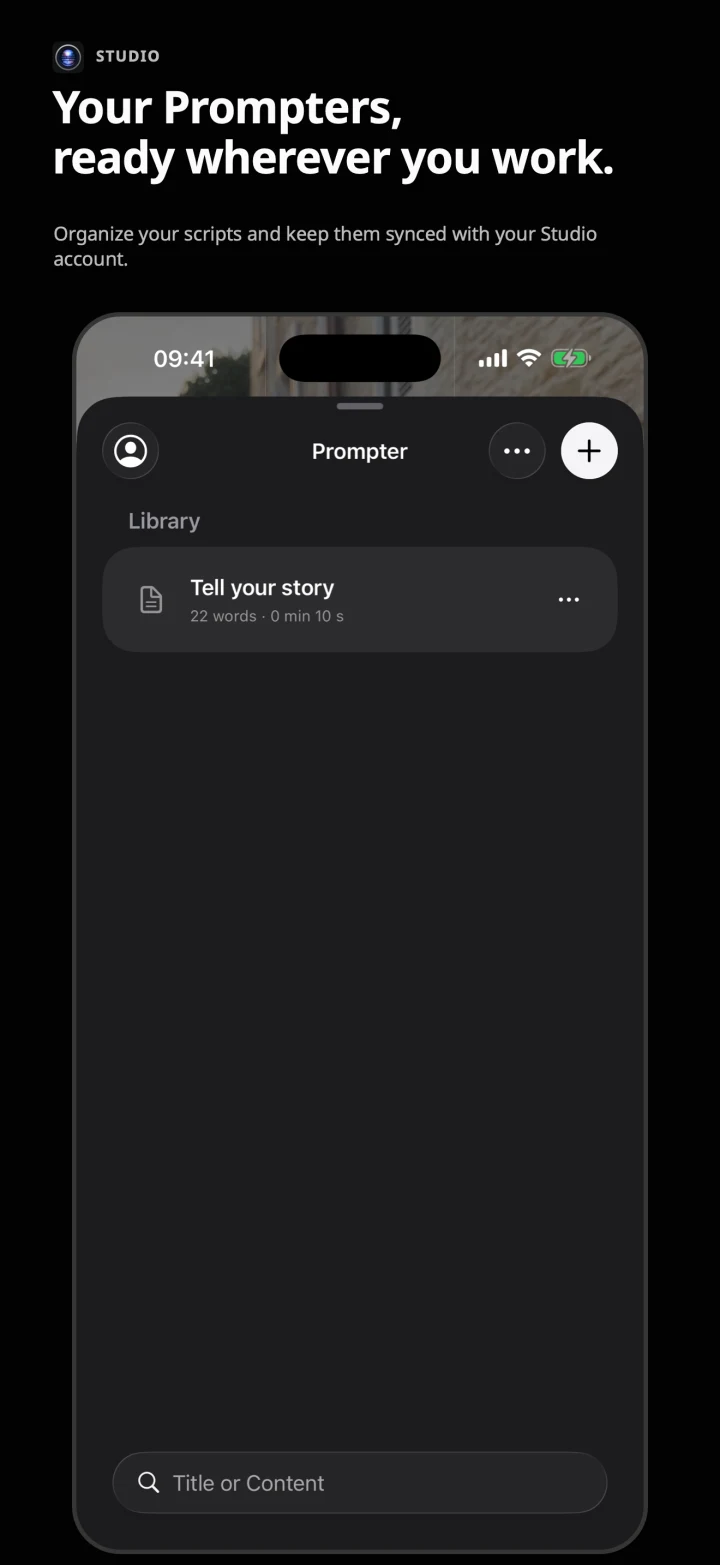
Write or import Markdown scripts. With Studio, you can also prepare them in ChatGPT and save them straight to your synced library.
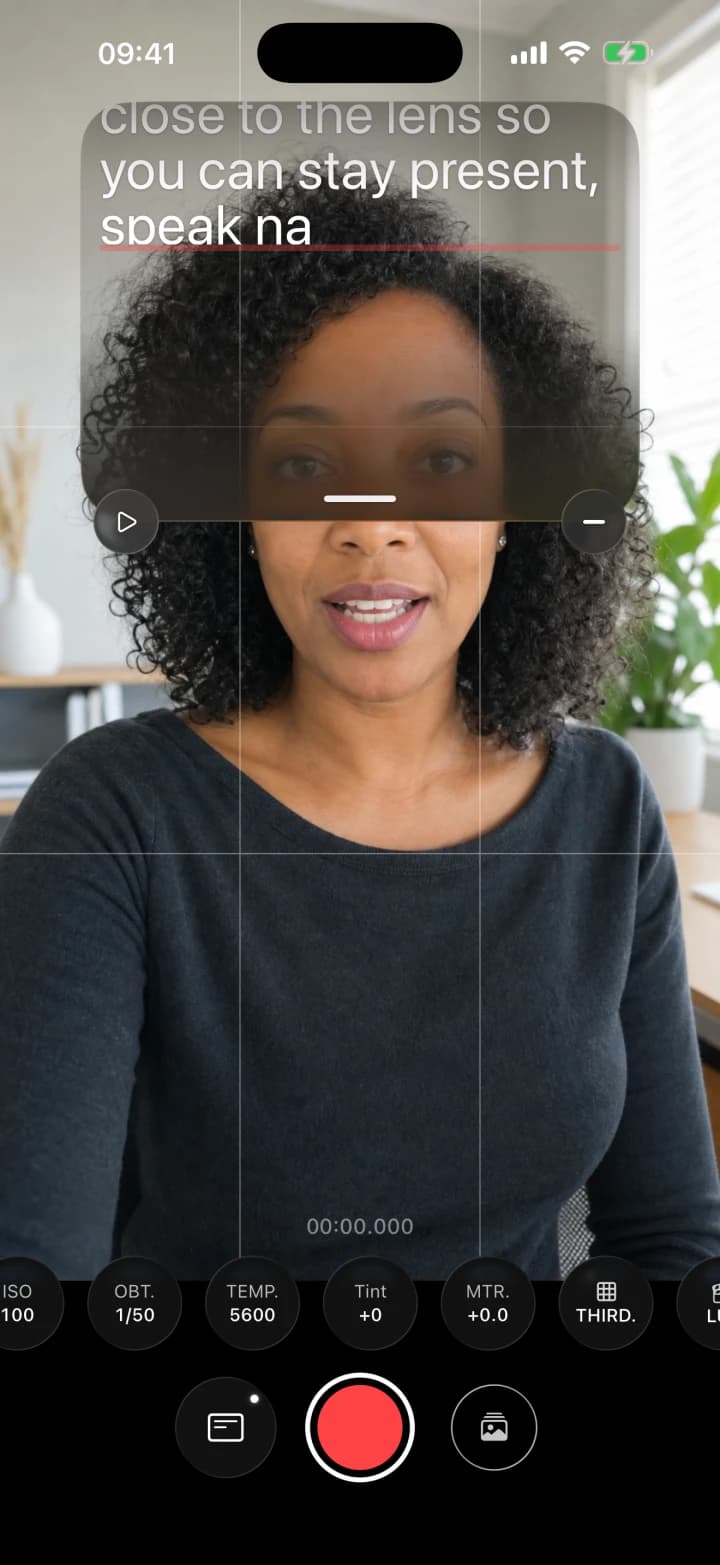
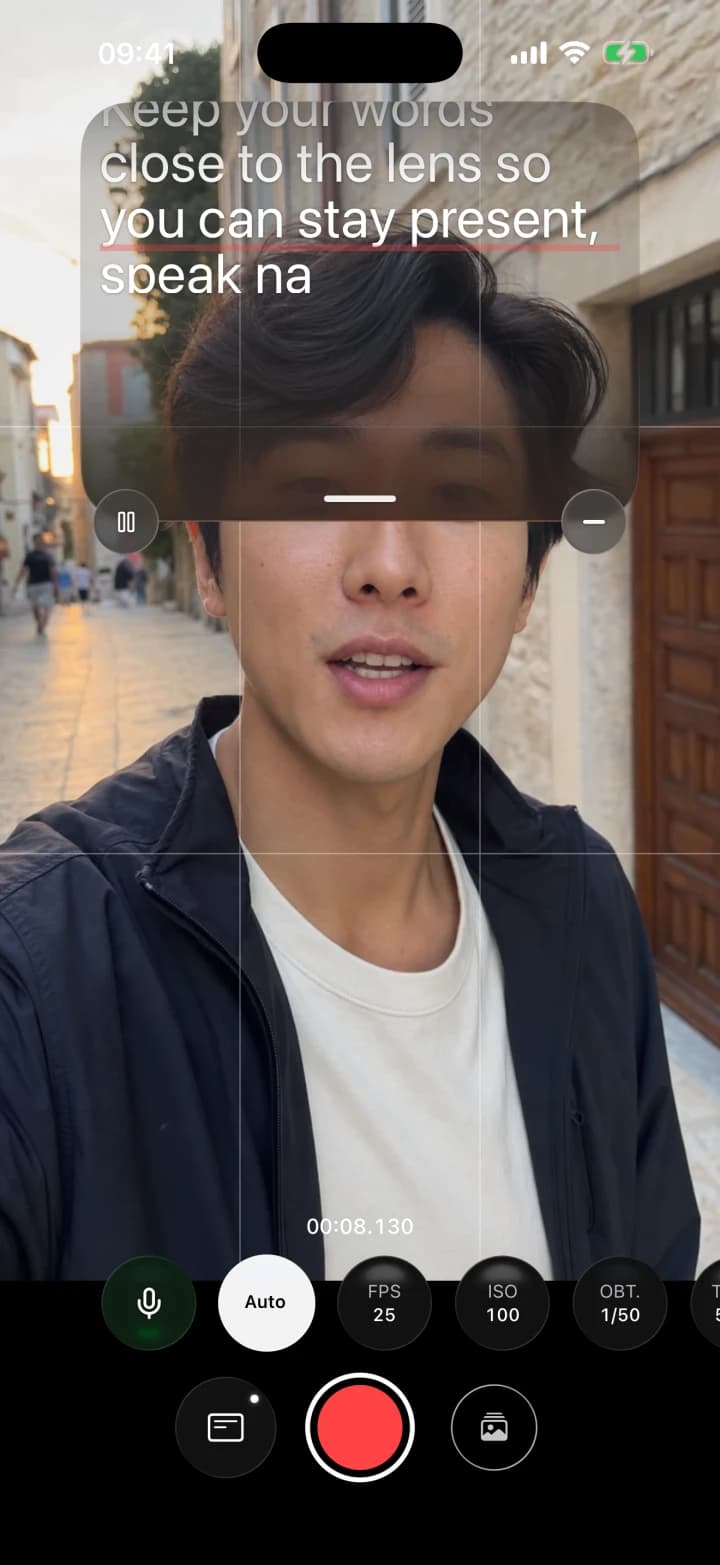
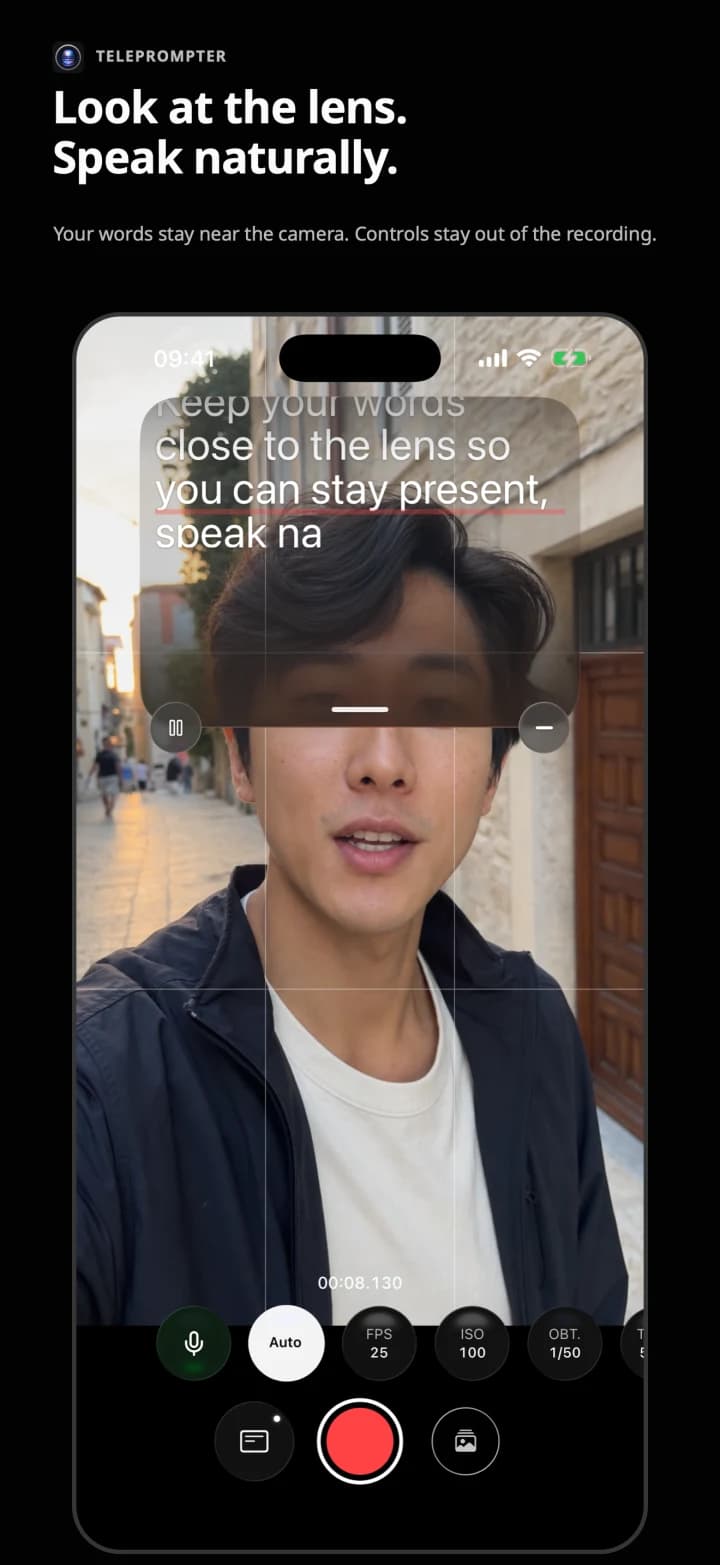
Read your script near the lens and control the recording from the same iPhone. Free, with no watermarks and no account required to record.
The script and controls stay out of the video.
01 / Tension
A camera looks after the image. A teleprompter looks after the script. SuperPrompter designs both around the same take.
02 / Flow
One flow for the script, eye line and capture.
Write or import Markdown scripts. With Studio, you can also prepare them in ChatGPT and save them straight to your synced library.
Mira al objetivo.
El texto está aquí.
Set speed, size and height. Keep the script near the lens without burning it into the image.
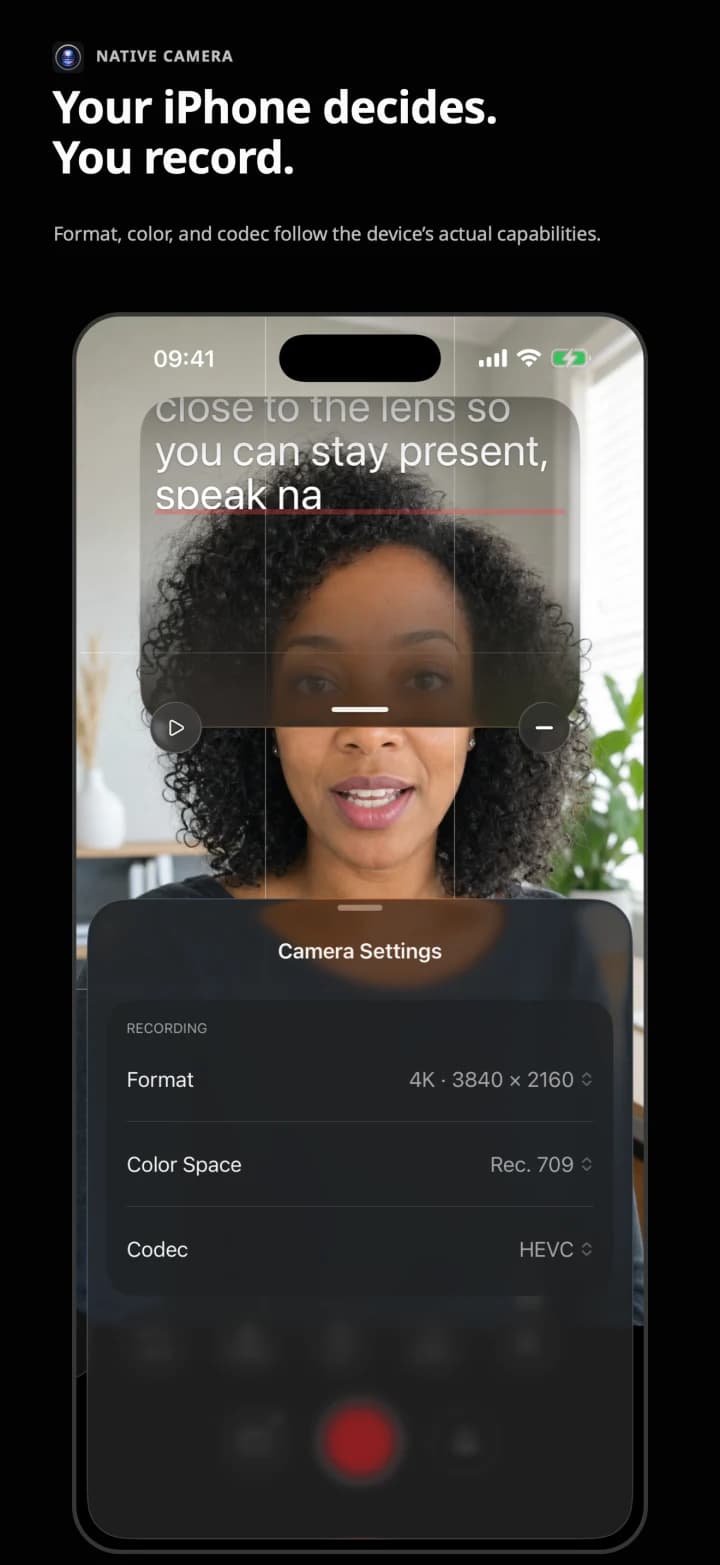
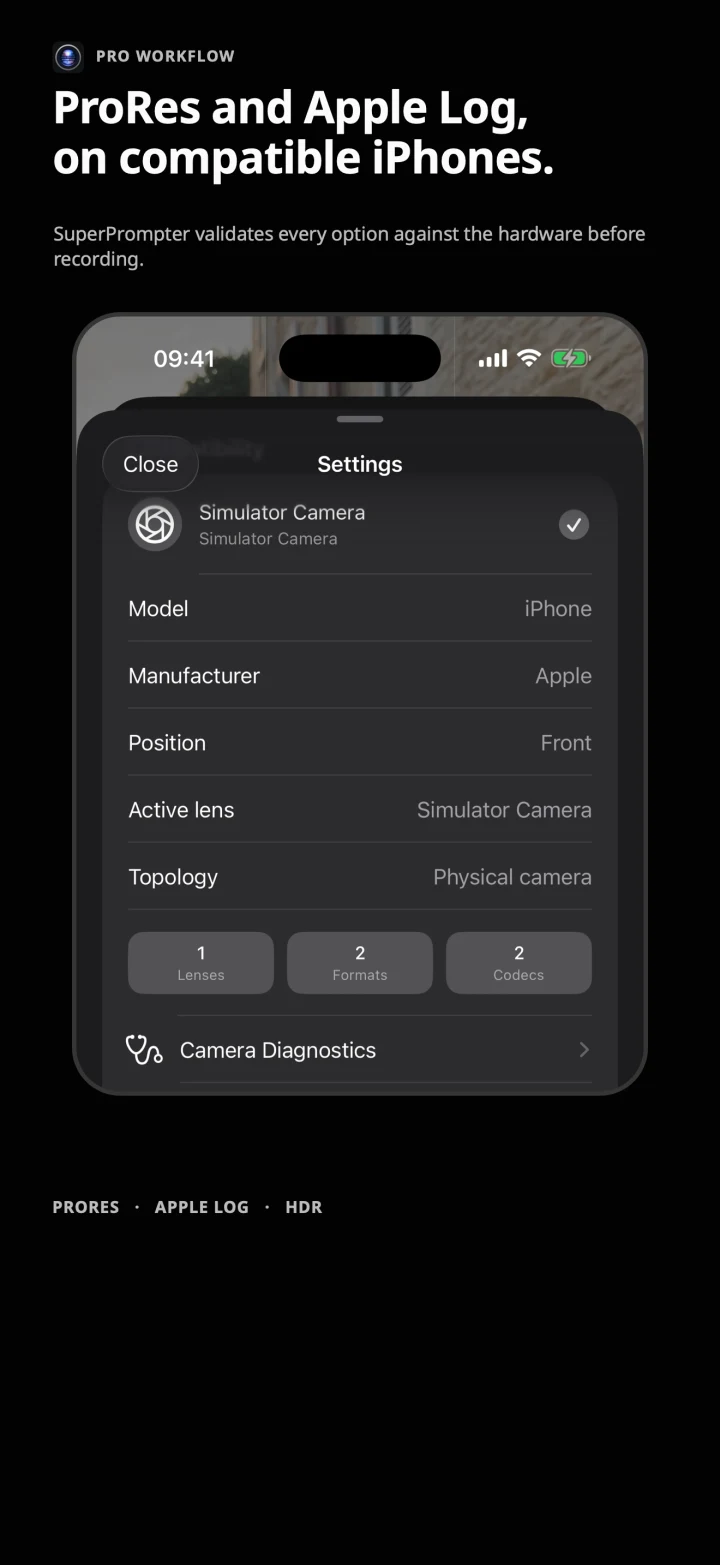
Control the settings your iPhone supports and validate the configuration before you start.
03 / Studio + ChatGPT
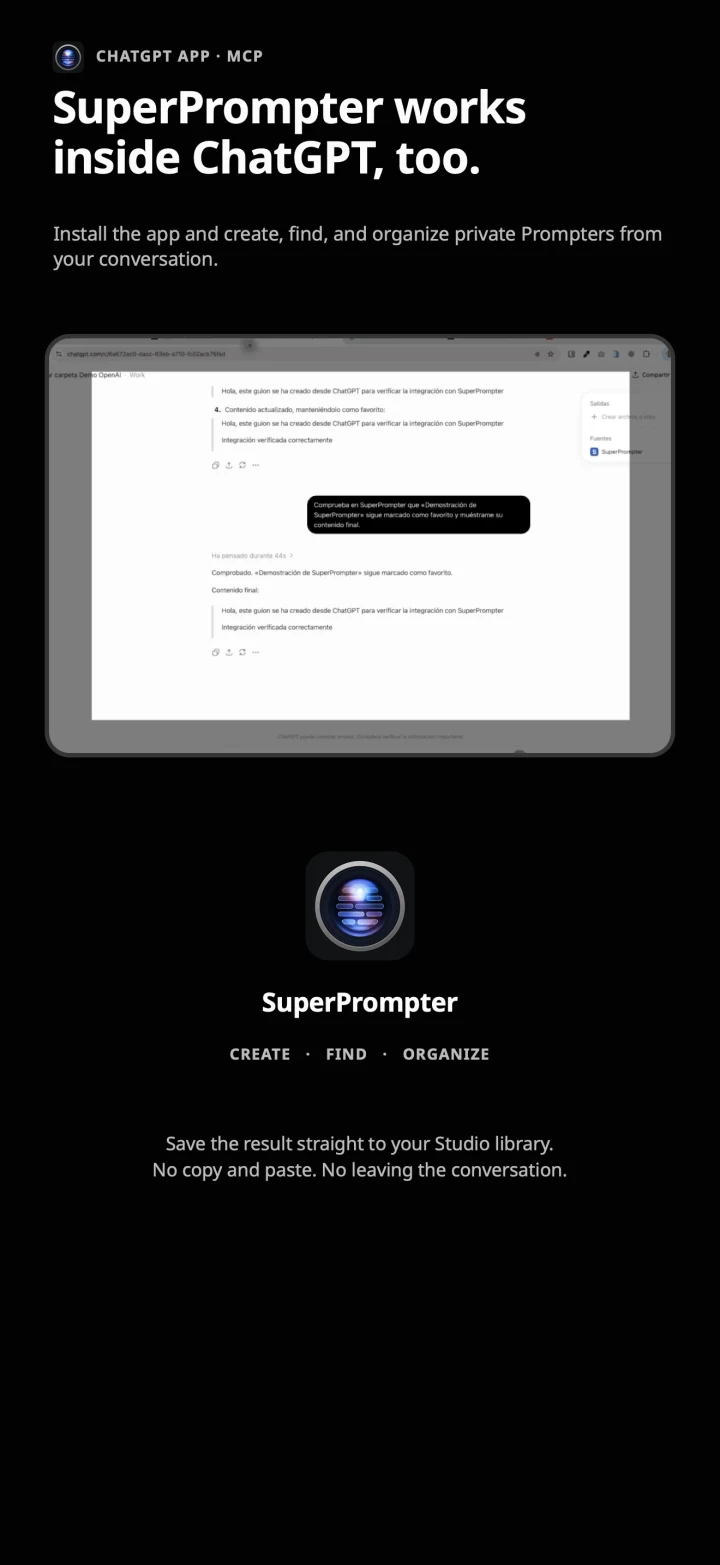
Research and write in ChatGPT. Connect your Studio account and save the result straight to SuperPrompter, with no copying and pasting.
Available for developer-mode testing. Directory publication is subject to review.

SuperPrompter, write a 60-second script about recording with Apple Log.
Prompter saved to Studio
Connected account · OAuth
ChatGPT and the OpenAI logo are OpenAI trademarks. This integration does not imply sponsorship or endorsement.
Options depend on the iPhone, lens and active format. SuperPrompter only offers combinations reported as compatible by the device.
04 / Principle
The original recording stays intact. Videos and LUTs are never uploaded to SuperPrompter. Studio syncs your scripts and folders when you choose to connect.
05 / In detail
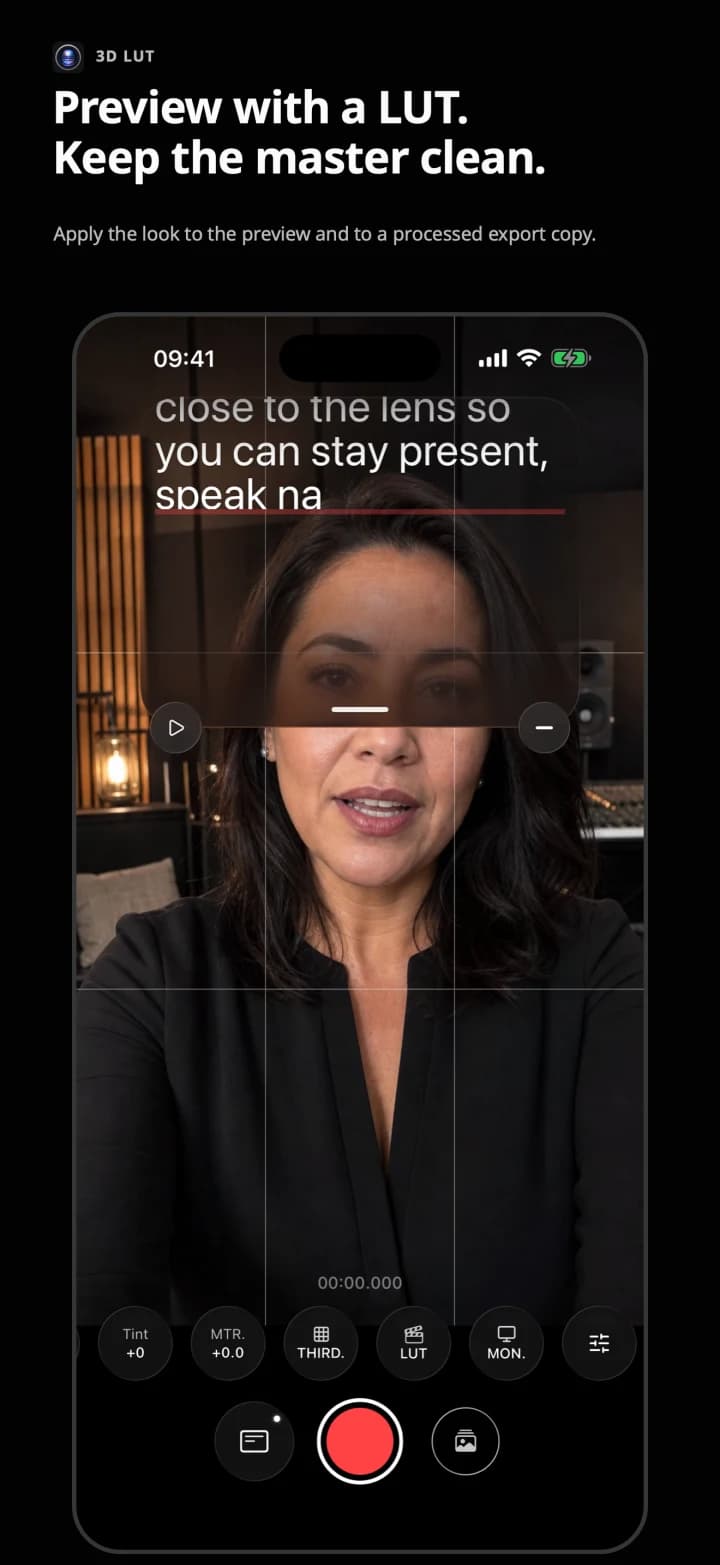
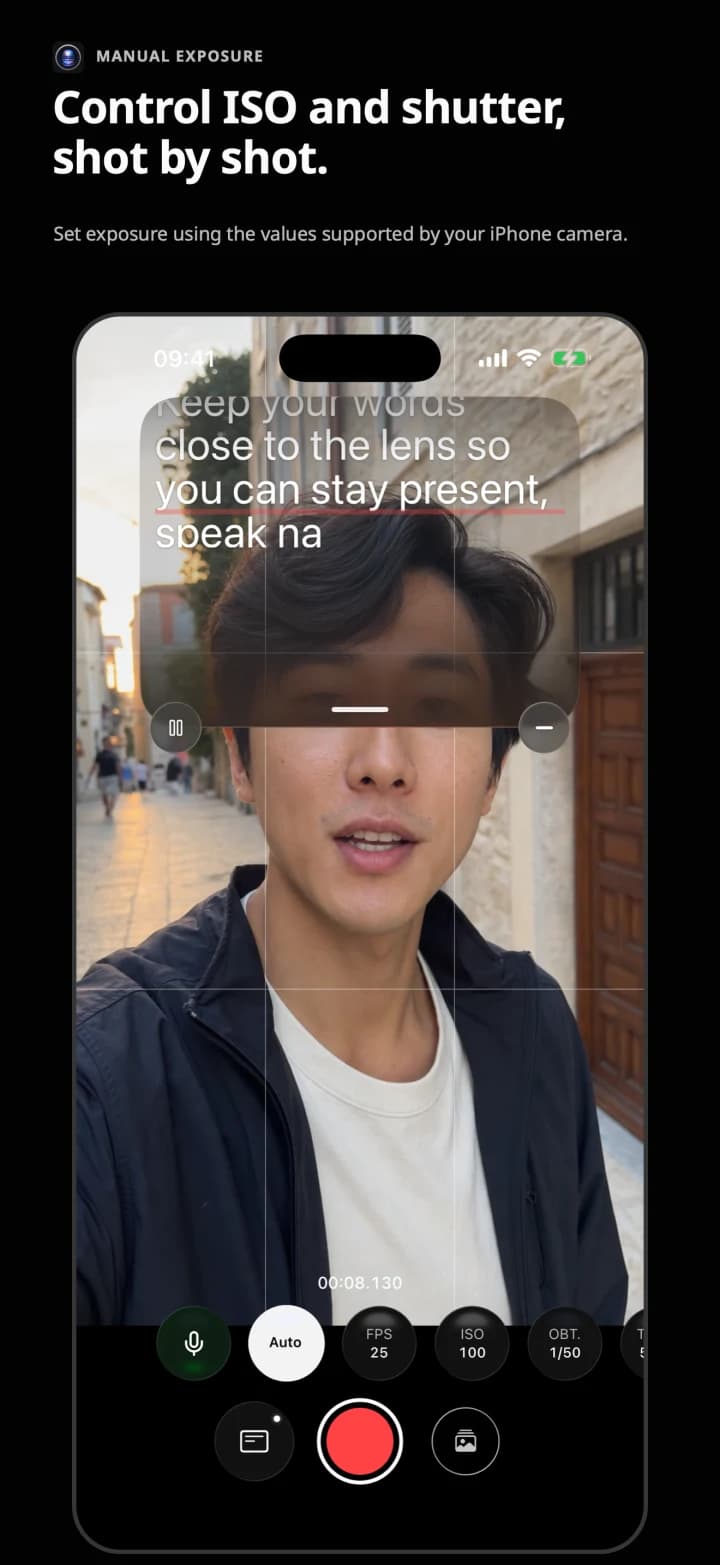
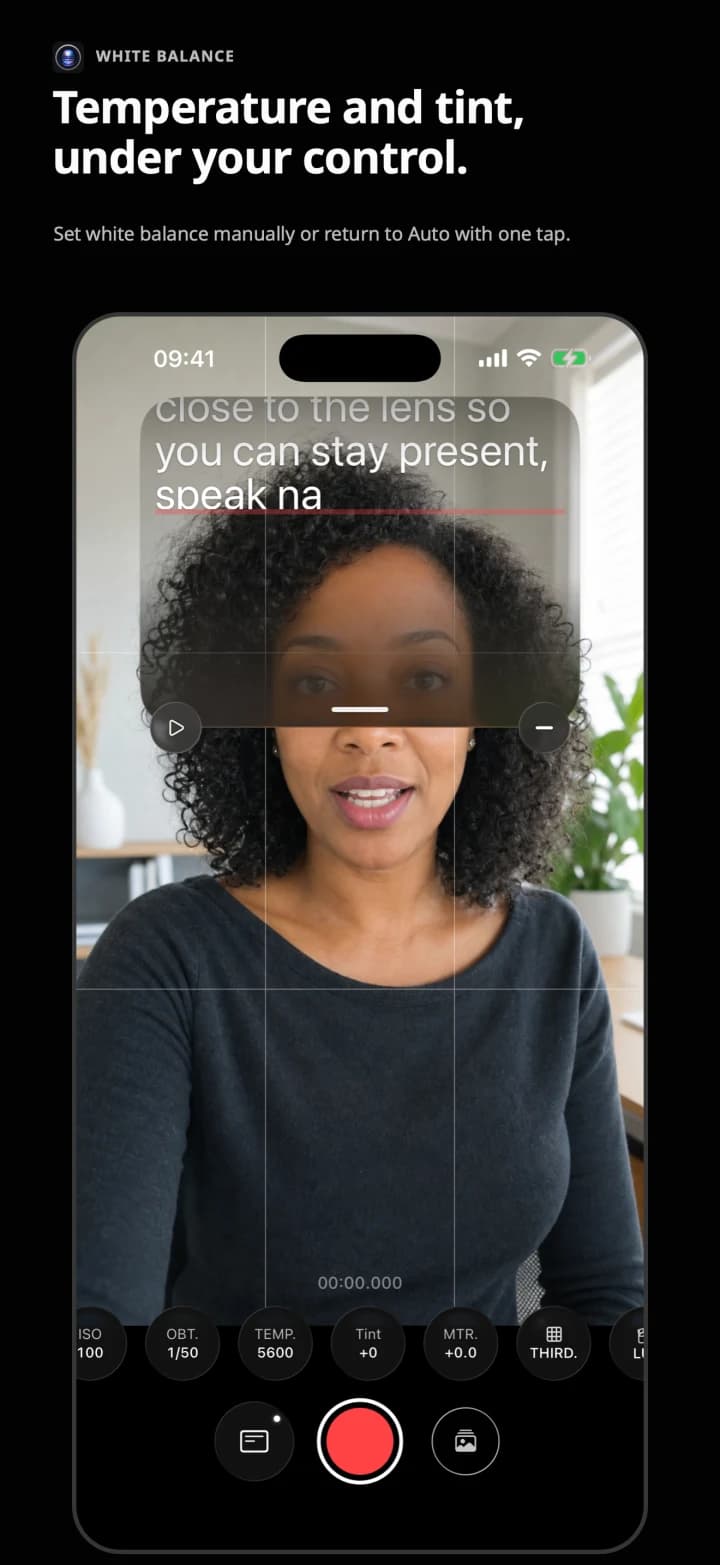
The same real interface you will use on iPhone: ISO, shutter, white balance, focus, Apple ProRes and Apple Log when supported by the device. Studio can preview a compatible 3D LUT and export a copy with it applied.
06 / Plans
Record for free. Choose Studio monthly or annually for the local LUT library, script and folder sync, the web app, and ChatGPT/MCP.
Free
$6.99/month
$69.99/year
07 / Contact
Product, press, business or support. Tell us what you need and we will reply with the right context.