SuperPrompter
打开Studio

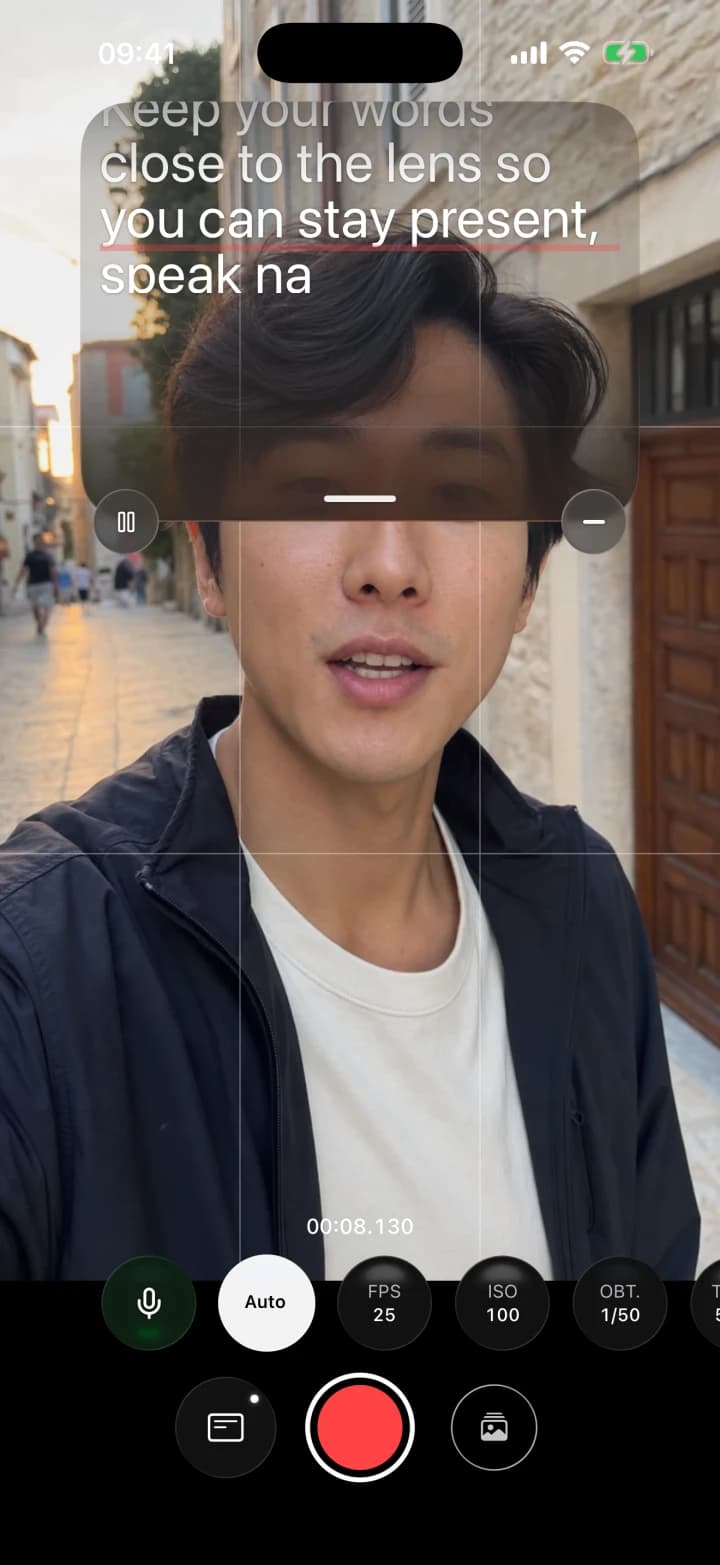
为面对镜头表达而设计的专业相机。

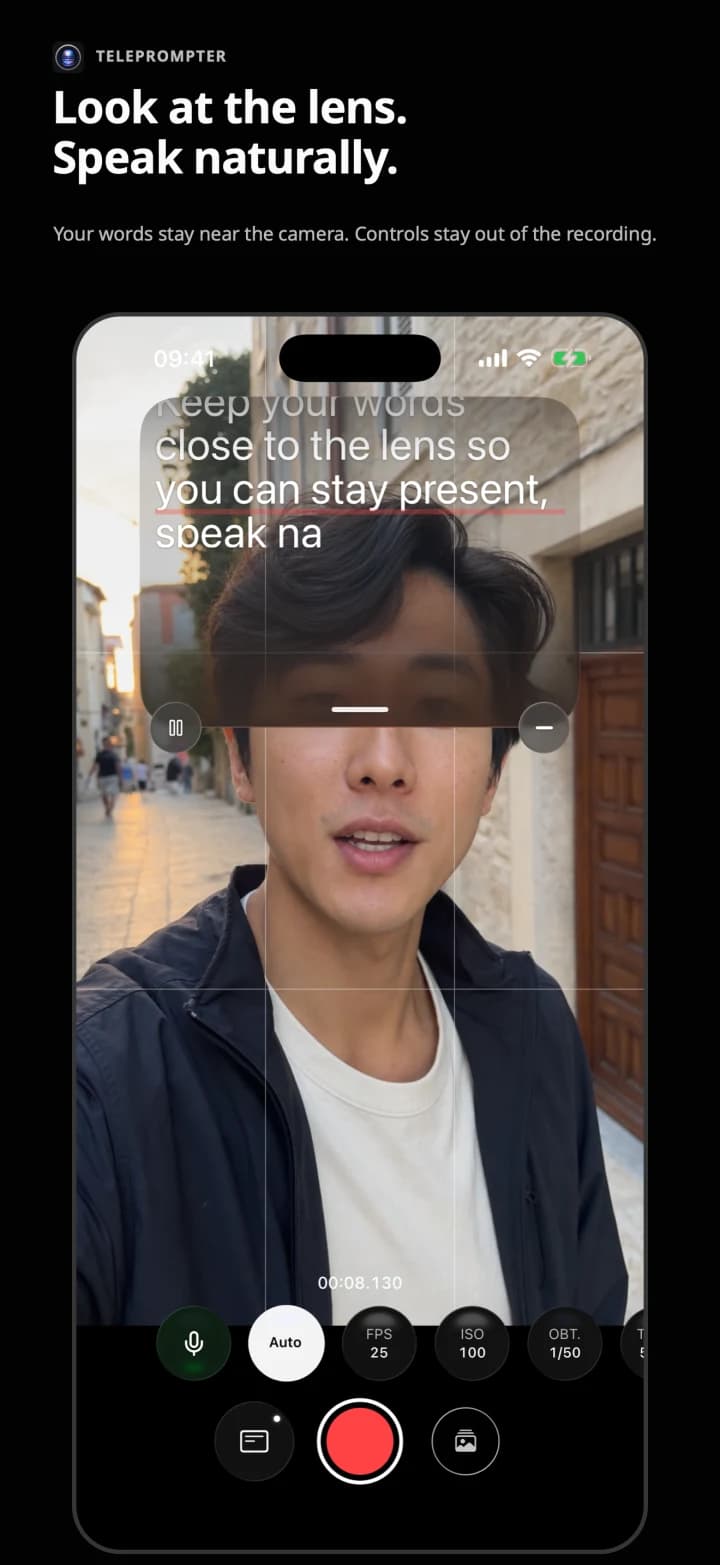
在镜头附近阅读脚本,并在同一部iPhone上控制拍摄。免费录制,无水印,也无需账户。

脚本和控制界面不会出现在视频中。

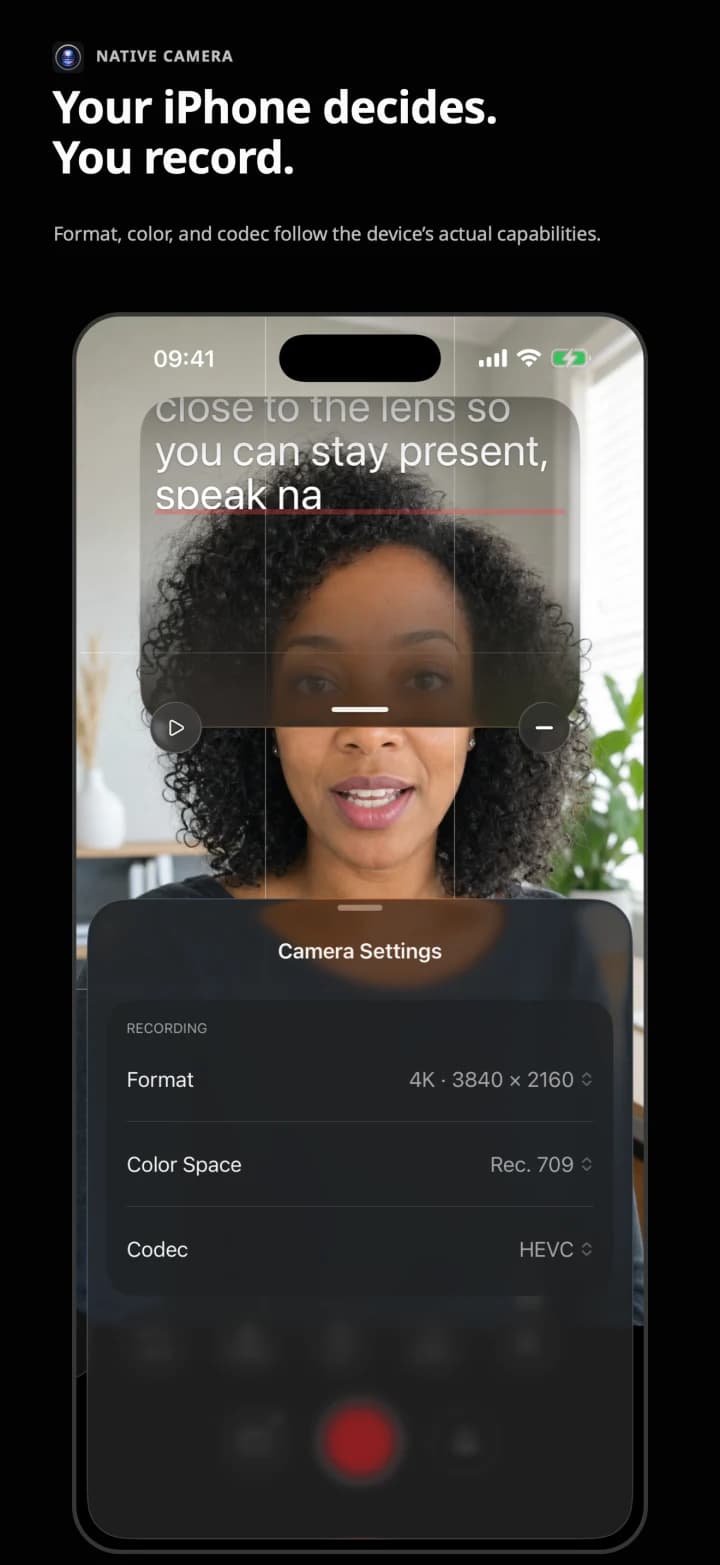
Real SuperPrompter interface with manual camera controls
Real SuperPrompter interface with the teleprompter near the lens

01 / Tension

你的话不该和相机争夺注意力。

相机负责画面,提词器负责脚本。SuperPrompter围绕同一次拍摄来设计两者。

02 / Flow

准备。表达。录制。

脚本、视线和拍摄,保持在同一个流程中。

01
186 WORDS

准备

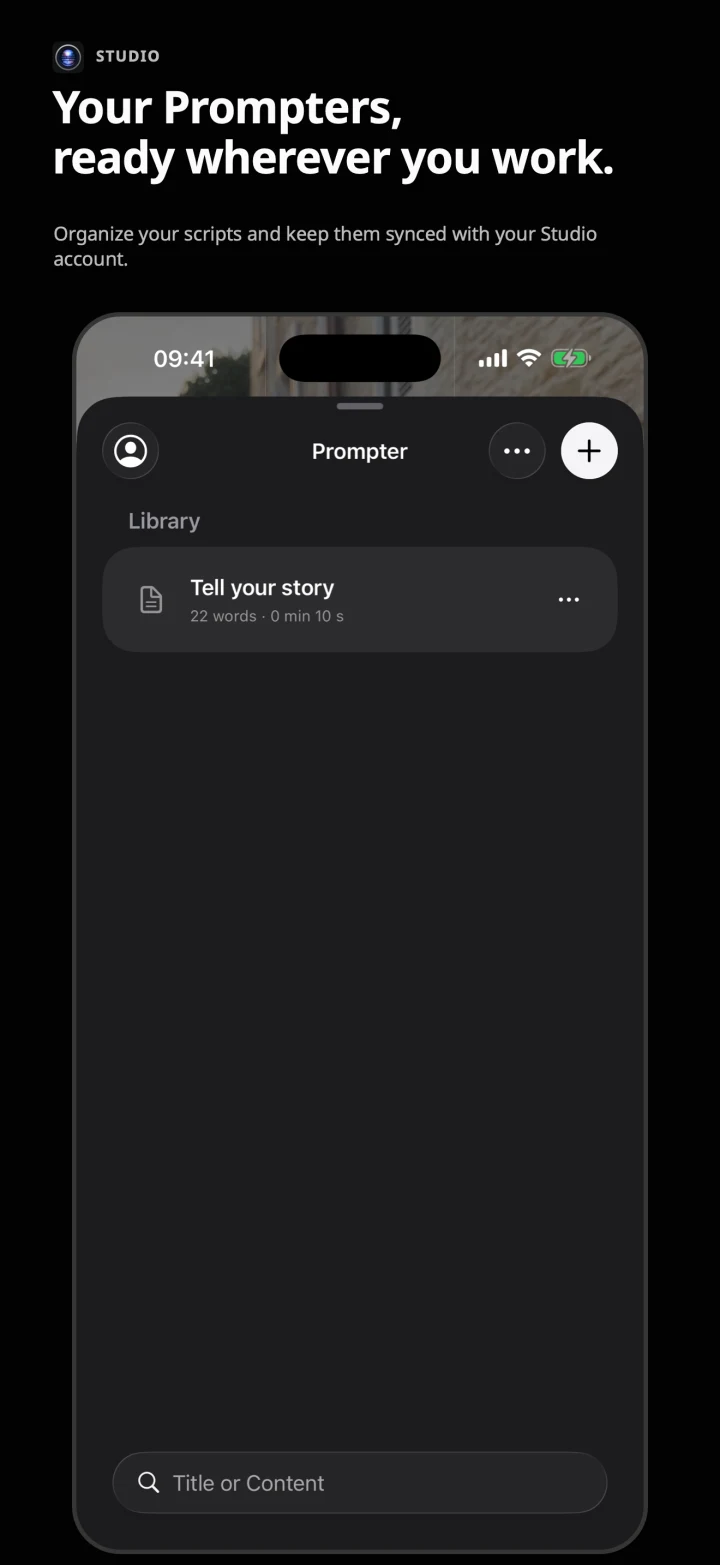
编写或导入Markdown脚本。使用Studio,还可在ChatGPT中准备内容,并直接保存到同步资料库。
02

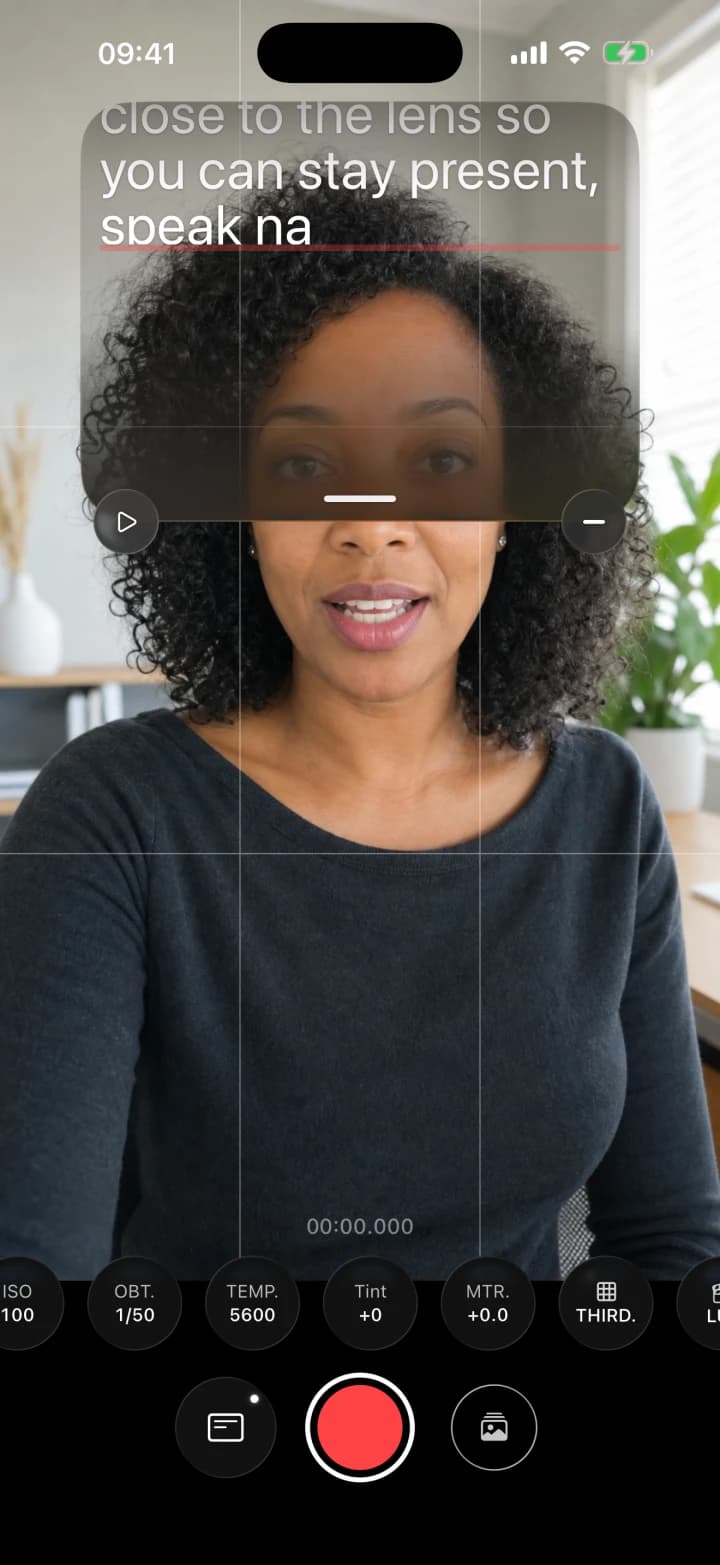
Mira al objetivo.

El texto está aquí.

0.8×48 PX72%

表达

调整速度、字号和高度。让脚本靠近镜头,但不写入画面。

03
4K25
1/50 · ISO 80

录制

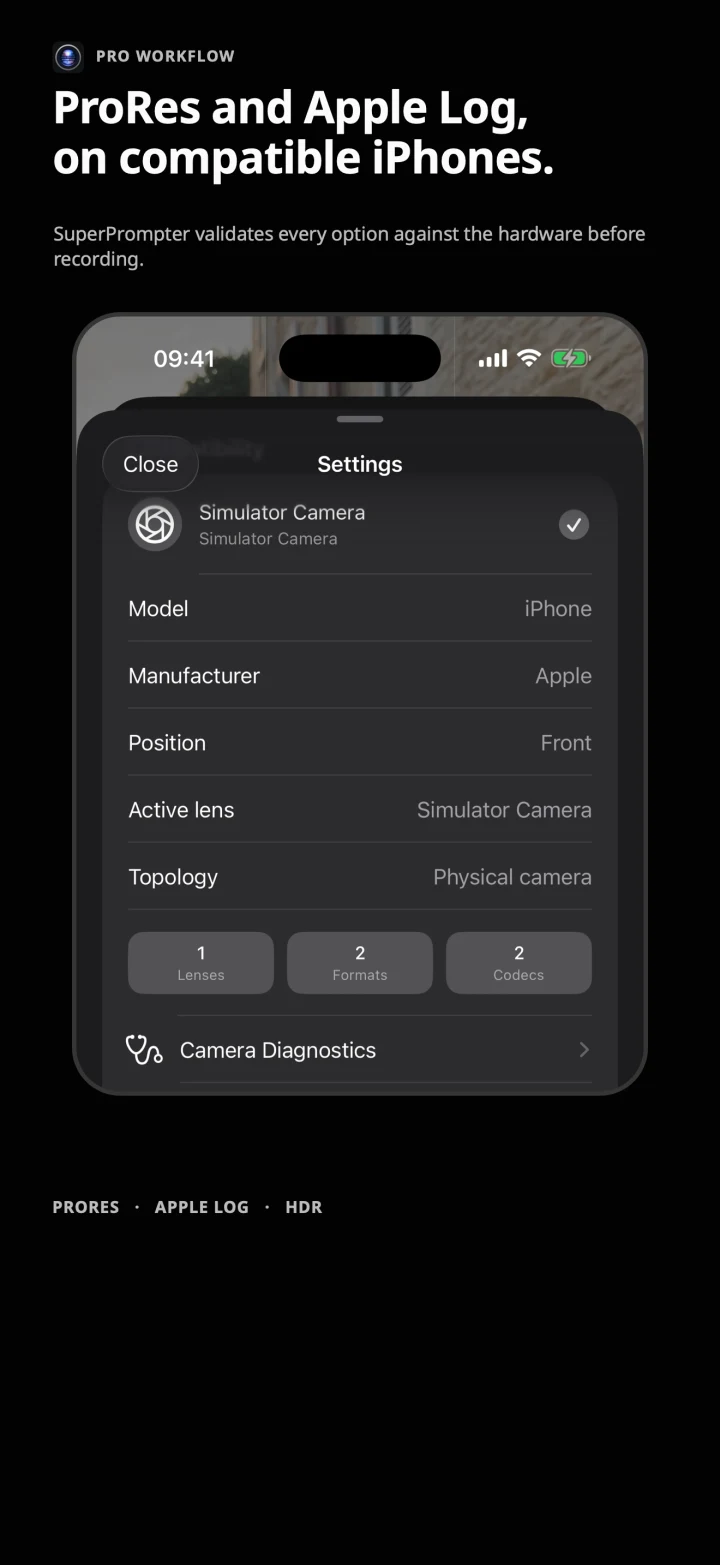
控制iPhone支持的参数,并在开始前验证配置。

03 / Studio + ChatGPT

在查资料的地方,直接准备提词稿。

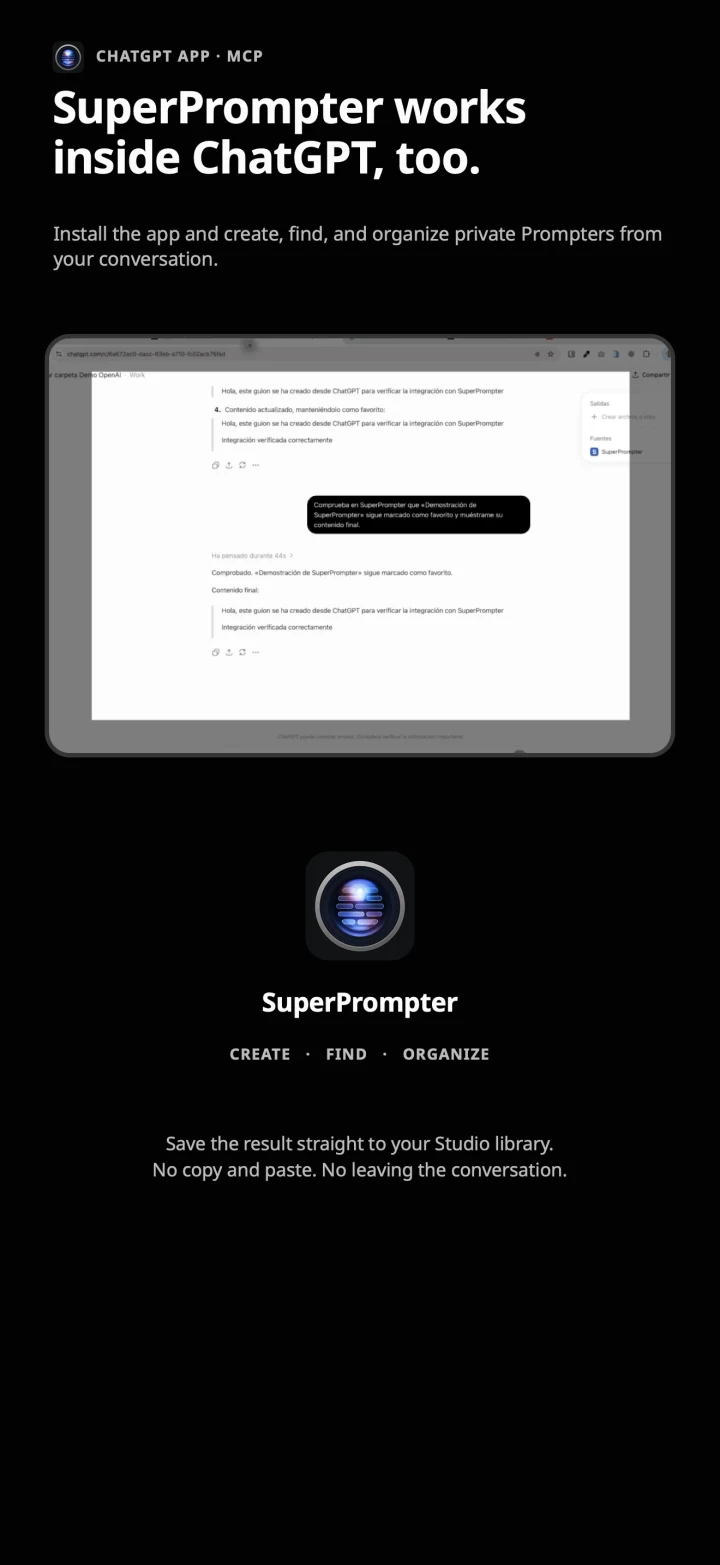
在ChatGPT中检索和撰写。连接Studio账户后,无需复制粘贴,即可将结果直接保存到SuperPrompter。

  1. 01调用SuperPrompter
  2. 02提问、核实并撰写
  3. 03将Prompter保存到Studio
了解连接方式

目前可在开发者模式中测试。能否上架目录仍须通过审核。

可与ChatGPT配合使用

SuperPrompter,请写一份60秒的Apple Log拍摄讲解稿。

Prompter已保存到Studio

账户已连接 · OAuth

流程示意

ChatGPT和OpenAI标志是OpenAI的商标。此集成不代表赞助或认可。

真正掌控每次拍摄

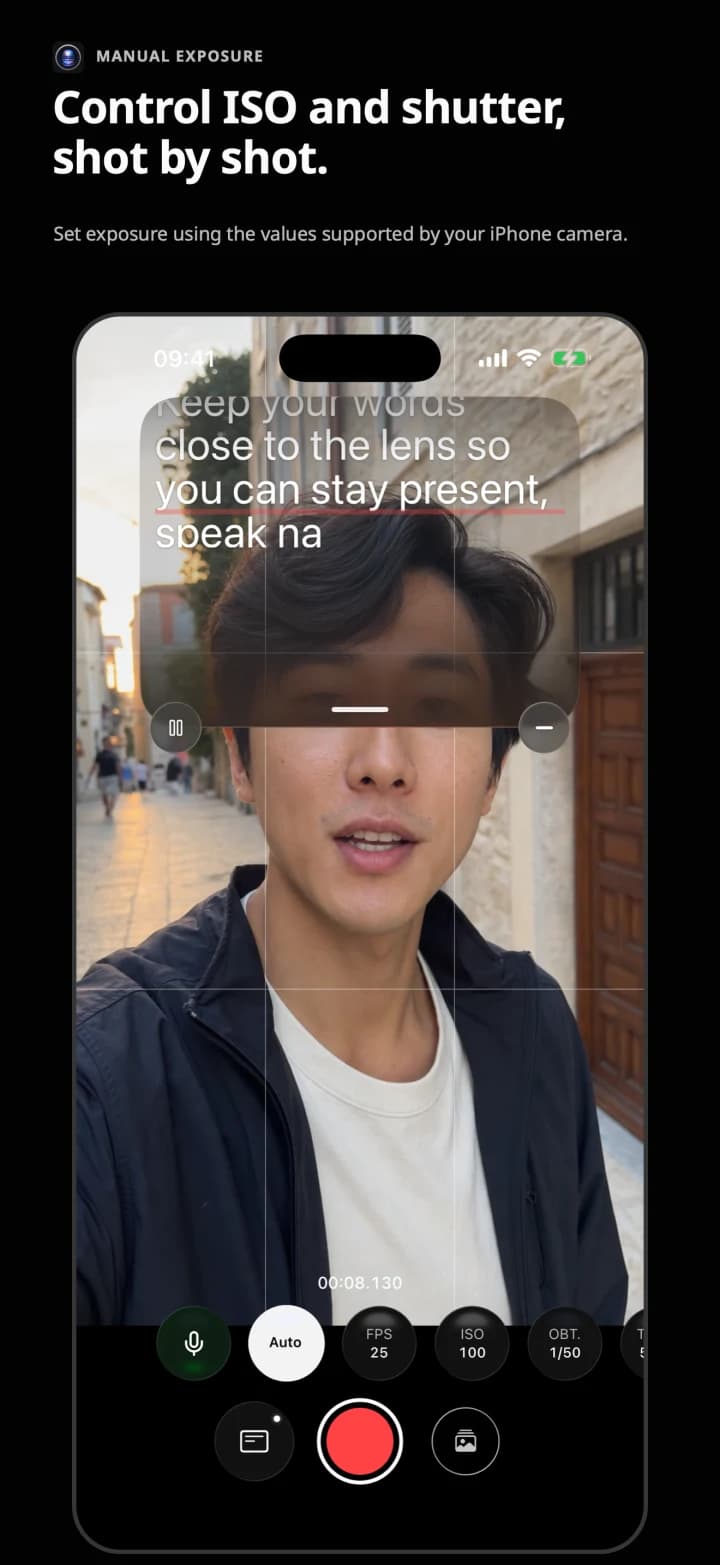
  • ISO与快门
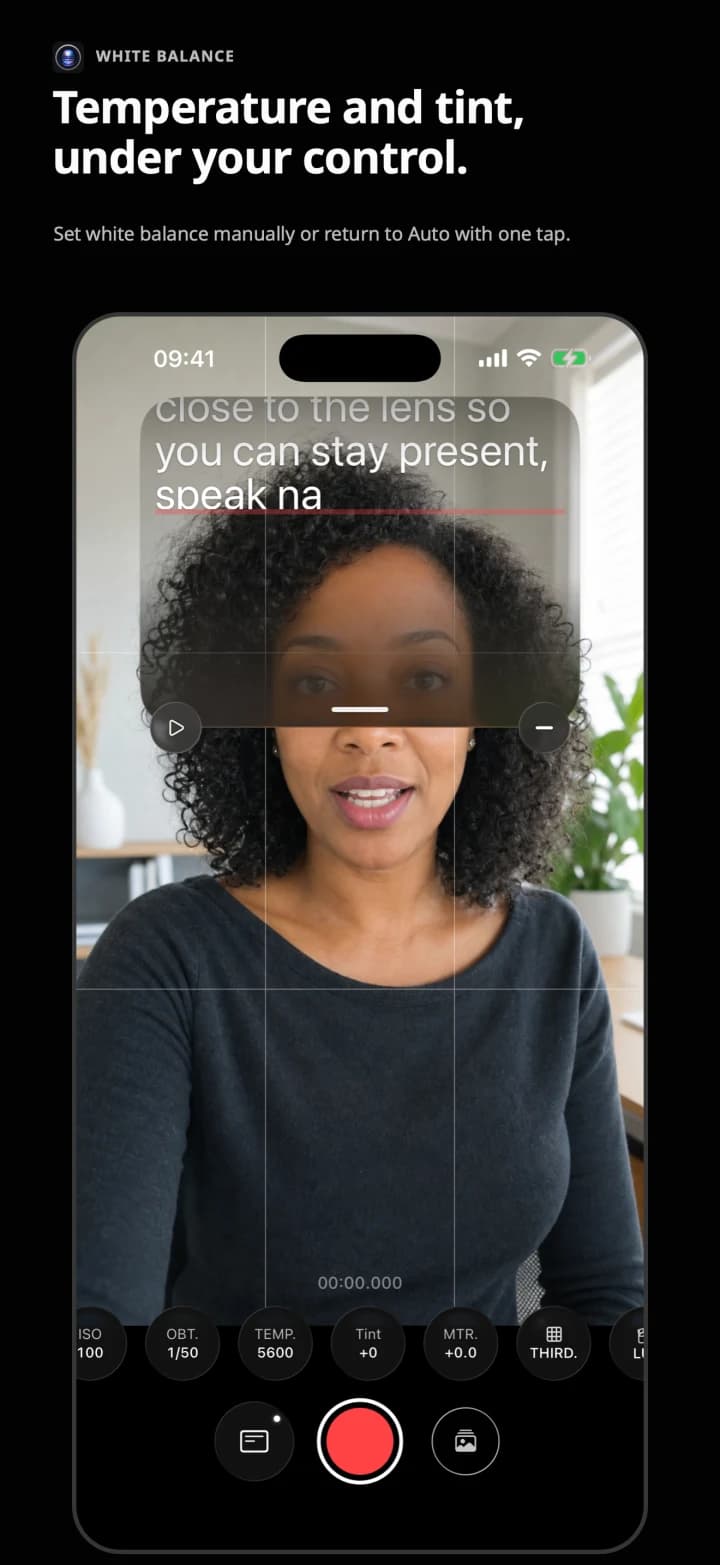
  • 白平衡
  • 对焦与镜头
  • FPS、编解码器与色彩
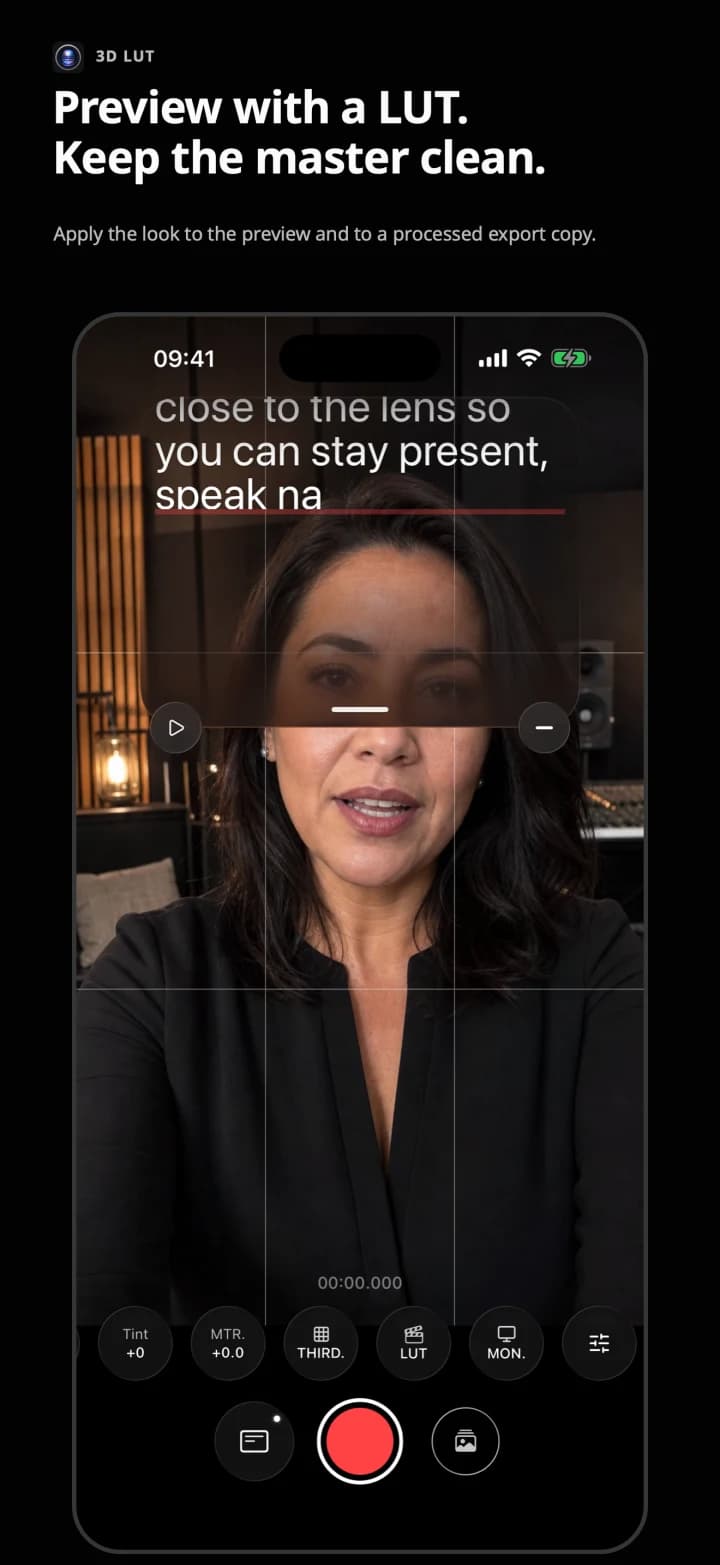
  • 3D LUT:预览与导出
  • 靠近镜头的提词器

可用选项取决于iPhone、镜头和当前格式。SuperPrompter只提供设备报告为兼容的组合。

04 / Principle

你的相机。你的脚本。你的镜头。

原始录像保持不变。LUT会创建副本。只有在你选择连接时,Studio才会同步。

05 / In detail

Native control, from script to take.

The same real interface you will use on iPhone: ISO, shutter, white balance, focus, Apple ProRes and Apple Log when supported by the device. Pro and Studio can preview a compatible 3D LUT and export a copy with it applied.
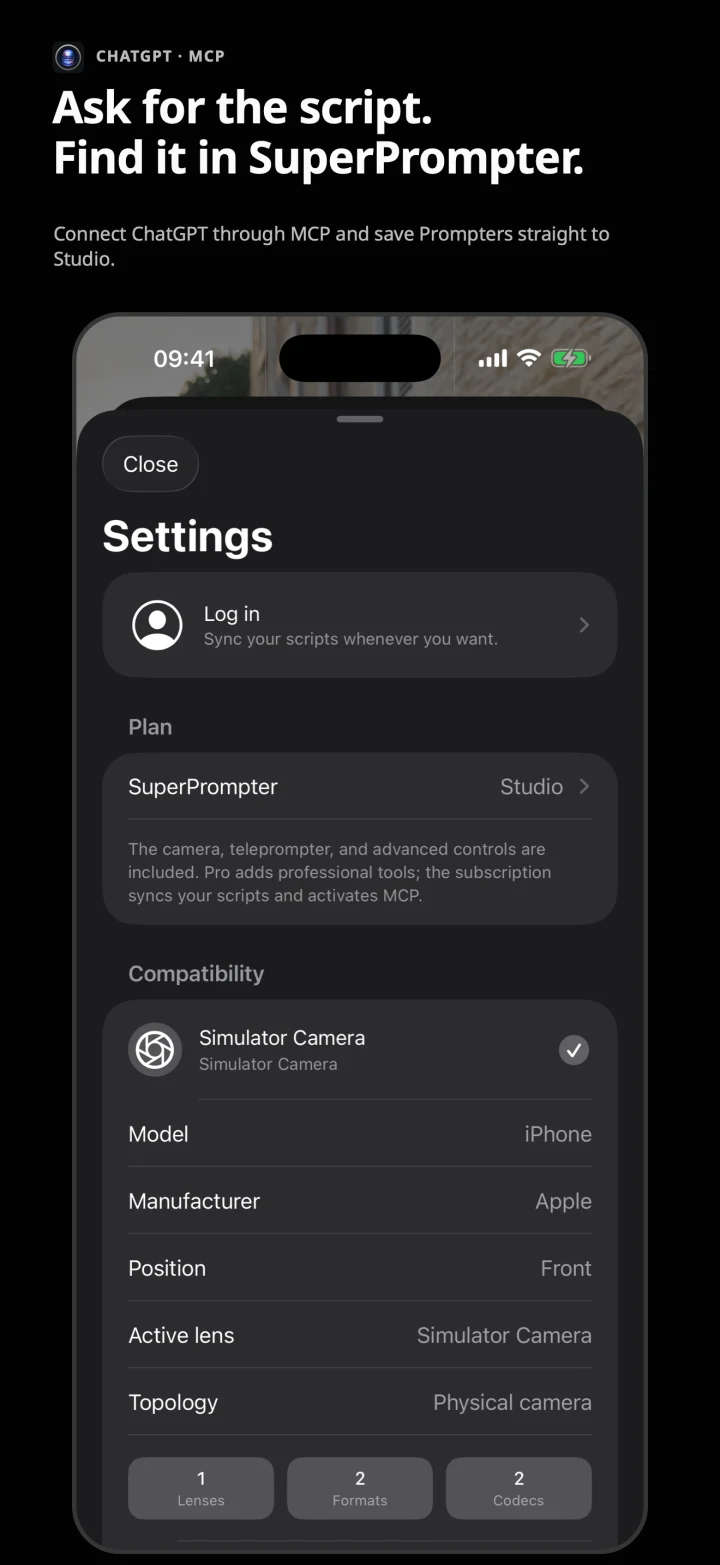
SuperPrompter connected to ChatGPT through MCP
Teleprompter positioned near the iPhone lens
SuperPrompter native front camera
Compatible Apple ProRes and Apple Log recording
LUT preview and application
Script and clip library
Manual ISO and shutter control
White-balance temperature and tint control
SuperPrompter app inside ChatGPT

06 / Plans

三种工作方式,区别清清楚楚。

设备本地功能不依赖订阅;在线服务才需要。

免费

免费

相机与提词器
已包含
兼容控制
已包含
3D LUT预览与导出
未包含
Studio:同步、网页版与ChatGPT/MCP
未包含
下载

Pro

€69.99 · 一次性购买

相机与提词器
已包含
兼容控制
已包含
3D LUT预览与导出
已包含
Studio:同步、网页版与ChatGPT/MCP
未包含
查看Pro

Studio

€6.99/月 · €59.99/年

相机与提词器
已包含
兼容控制
已包含
3D LUT预览与导出
已包含
Studio:同步、网页版与ChatGPT/MCP
已包含
打开Studio

07 / Contact

告诉我们你的具体拍摄需求。

产品、媒体、企业或支持。说明需要什么,我们会提供对应的答复。